
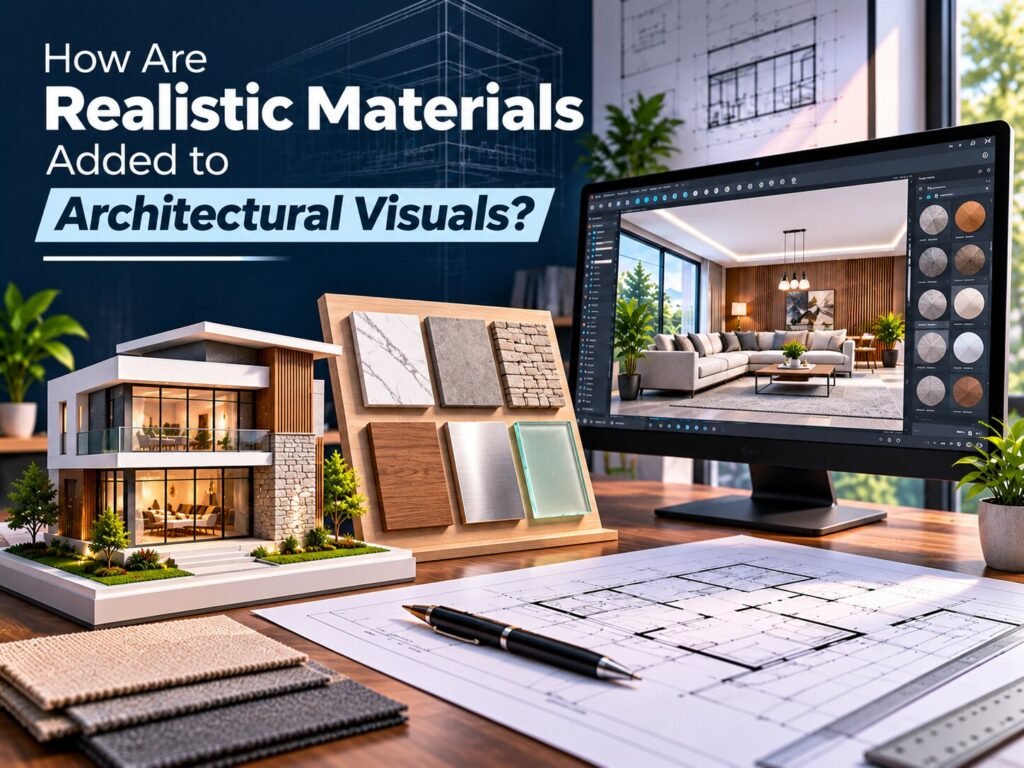
Realistic materials play an important role in creating architectural visuals that accurately represent building designs. Architects and visualization specialists use digital textures, surface properties, and lighting adjustments to illustrate how different construction materials will appear in completed spaces. From wooden flooring and natural stone to glass panels and painted walls, every material contributes to the overall appearance of an architectural project. Professional commercial interior rendering Cleveland services use detailed material representations to help architects, designers, and property owners evaluate proposed finishes and understand how different surfaces interact with lighting. Accurate material application also supports clear design presentations and informed decisions throughout the architectural planning process.
Understanding Realistic Materials in Architectural Visualization
Architectural visualization involves creating three-dimensional representations of buildings, interior spaces, and surrounding environments. Material application gives these digital models recognizable surface characteristics and helps viewers understand the intended architectural design.
A basic 3D model contains shapes and dimensions, but its surfaces may initially appear plain. Visualization specialists apply materials to represent wood, concrete, brick, marble, metal, glass, and other construction products.
Each material requires specific properties, including color, texture, reflectivity, roughness, and surface depth. These characteristics determine how light interacts with the material and how the surface appears from different viewing angles.
Accurate materials make architectural images more informative and allow clients to compare proposed finishes within a realistic setting.
How Material Textures Improve the Realism of Architectural Visuals
Material textures provide visual information that helps distinguish individual building components. Detailed surface properties contribute to realistic architectural presentations in several ways.
- Accurate Surface Appearance: Textures reproduce visible characteristics such as wood grain, stone patterns, concrete imperfections, and brick arrangements.
- Realistic Light Interaction: Proper material settings control reflections, highlights, and light absorption across different surfaces.
- Improved Material Identification: Clients can distinguish between finishes such as polished marble, natural timber, ceramic tile, and painted plaster.
- Better Surface Depth: Bump and displacement techniques represent grooves, joints, and irregularities that contribute to a convincing appearance.
- Consistent Design Representation: Accurate digital materials help maintain visual consistency across multiple images of the same project.
- Clear Material Comparisons: Designers can present alternative finishes and examine how each option affects the overall appearance of a space.
- Detailed Architectural Presentations: Realistic textures communicate design intentions more clearly than plain surfaces or simplified material colors.
These characteristics help architects produce visual representations that closely reflect specified materials and support productive discussions about architectural finishes.
Methods for Applying Realistic Materials in Architectural Rendering
Creating convincing material surfaces requires careful preparation, suitable digital assets, and accurate rendering settings. Visualization specialists combine several techniques to represent the physical characteristics of construction materials.
Selecting High-Quality Material Textures
The material creation process begins with selecting suitable texture images or digital material libraries.
High-resolution textures provide detailed information about surface patterns, color variations, and visible imperfections.
For example, wooden surfaces require appropriate grain patterns, while stone materials need realistic color distribution and natural markings.
Texture selection should reflect the actual products specified for the project whenever possible.
Using accurate reference materials helps architects maintain consistency between the digital rendering and the intended construction finishes.
Applying UV Mapping to Building Surfaces
UV mapping determines how two-dimensional textures appear across three-dimensional objects.
Visualization specialists use this technique to position surface patterns correctly on walls, floors, ceilings, and architectural components.
Incorrect mapping can stretch materials, distort patterns, or create unrealistic proportions.
A wooden floor, for instance, should display planks with consistent dimensions and appropriate orientation.
Careful UV mapping ensures that textures follow the geometry of architectural models and maintain realistic surface relationships.
Adjusting Reflection and Roughness Properties
Different construction materials reflect light in distinct ways.
Polished stone may produce noticeable reflections, while untreated concrete generally displays a more diffuse surface appearance.
Rendering software allows specialists to adjust roughness, reflectivity, and other material characteristics to represent these differences.
Glass, metal, ceramic, and painted surfaces require individual settings based on their intended physical properties.
Accurate reflection controls help viewers recognize material types and understand how surfaces may appear under the proposed lighting conditions.
Creating Surface Depth With Bump and Normal Maps
Flat texture images cannot always reproduce the visible depth of natural construction materials.
Bump maps and normal maps simulate small surface irregularities without substantially increasing the geometric complexity of a 3D model.
These techniques can represent brick joints, concrete textures, wood grain, and subtle stone variations.
Displacement mapping provides another option for creating more pronounced surface depth through changes to the rendered geometry.
Visualization specialists select suitable techniques according to the required level of detail and the intended camera distance.
Testing Materials Under Different Lighting Conditions
Lighting influences how materials appear within architectural renderings.
Natural daylight, artificial fixtures, and reflected illumination can affect perceived colors, surface textures, and reflections.
A material that appears suitable under bright daylight may look noticeably different under warm interior lighting.
Rendering specialists test materials under relevant lighting conditions to identify unrealistic reflections, excessive brightness, or inaccurate color representation.
These adjustments help create balanced images that communicate the intended appearance of architectural finishes.
Why Material Accuracy Matters in Architectural Presentations
Accurate material representation helps clients understand how selected finishes contribute to a completed architectural design.
Architects can use realistic renderings to demonstrate combinations of flooring, wall treatments, cabinetry, countertops, and exterior finishes.
Clients may compare material alternatives and identify preferences without relying entirely on physical samples or technical specifications.
However, digital renderings cannot guarantee exact color reproduction. Display settings, lighting assumptions, and material variations may influence the appearance of finished surfaces.
Physical samples and manufacturer specifications remain valuable references during final material selection.
Combining realistic visuals with verified product information supports clearer expectations and more informed design decisions.
Common Challenges in Creating Realistic Architectural Materials
Material creation requires attention to several technical details.
Low-resolution textures may appear blurry, particularly in close-up images. Incorrect texture scaling can make bricks, tiles, or wood patterns appear unusually large or small.
Excessive reflections may give ordinary surfaces an unrealistic polished appearance.
Inconsistent lighting can also change how viewers perceive material colors and textures.
Visualization specialists address these challenges by reviewing reference photographs, checking texture dimensions, and adjusting rendering settings.
Regular quality checks help maintain consistency across multiple architectural views and reduce visible inaccuracies.
Conclusion
Realistic material application is an essential part of architectural visualization. Accurate textures, proper UV mapping, reflection settings, surface depth techniques, and lighting adjustments work together to represent construction materials convincingly.
These methods allow architects and designers to communicate material selections clearly while giving clients a better understanding of proposed spaces.
Careful material preparation and regular visual reviews contribute to reliable architectural renderings that support design discussions, finish comparisons, and informed project decisions.